May 2026
Rotational Jobs Abroad: Overseas Work...
Read →

Working remotely while traveling sounds exciting, but it’s not just about working on a beach with a laptop. You’ll face challenges like finding reliable internet, managing distractions, and balancing work with exploring new places.
Understanding these realities helps you prepare better and avoid frustration.

Remote work still demands focus and good planning. You’ll need to organize your schedule around time zones and set clear boundaries between work and travel.
Sometimes you might have to sacrifice sightseeing for deadlines.
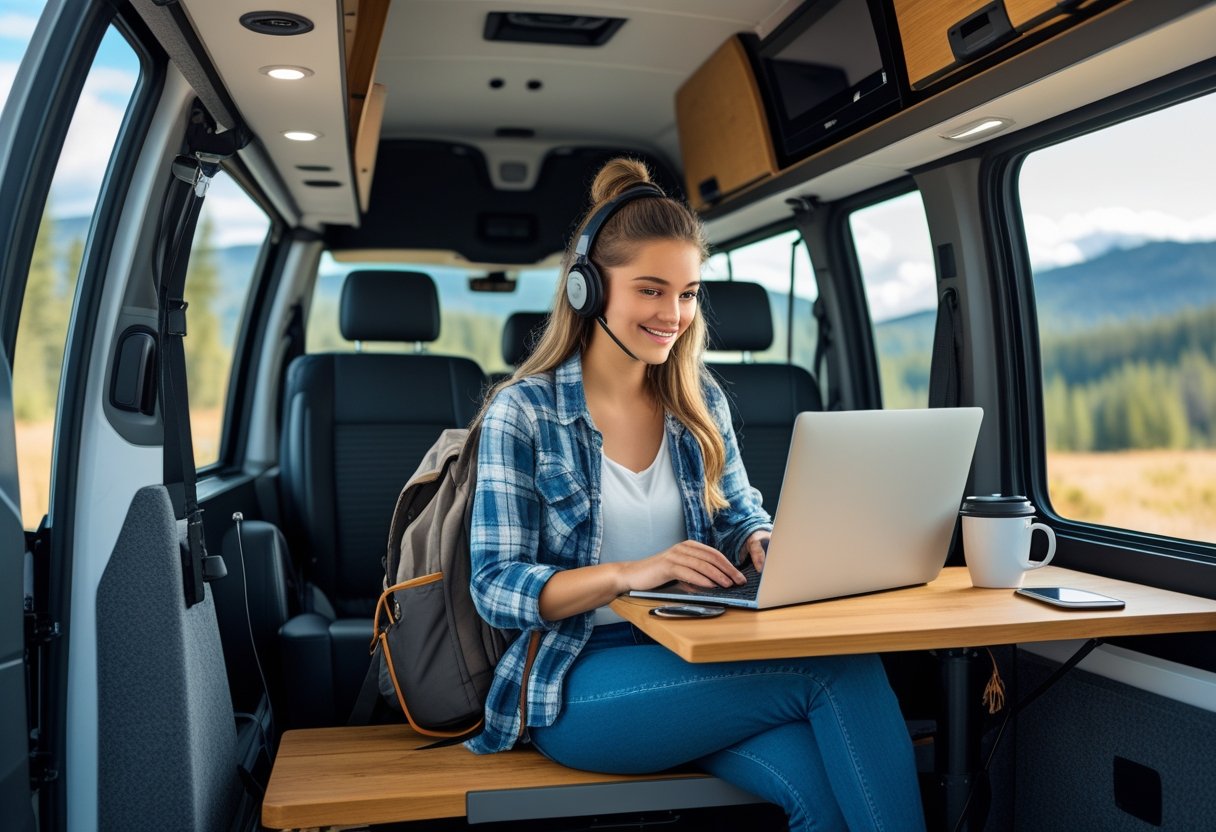
To work well while traveling, you need to plan carefully. This includes picking places that fit your work needs and making sure you have safety nets like insurance.
Set a schedule that balances work with travel.
Pick places with reliable internet and good workspaces. Some cities and towns offer coworking spaces or quiet cafés that help you stay productive.
Think about the cost of living. Affordable destinations stretch your budget further and reduce stress.
Check local time zones to avoid awkward work hours. Also, consider the local culture and language.
Places that feel comfortable will help you focus. If you like nature, choose spots with areas to relax after work.
Travel insurance is vital. It covers medical emergencies, trip cancellations, and lost belongings.
Look for policies that include healthcare and evacuation, especially if you visit remote areas. Plan your safety before you go.
Share your travel plans with someone you trust. Research local laws and customs to avoid trouble.
Keep digital backups of important documents like your passport and work contracts. Carry a portable charger and a reliable phone in case of emergencies.
Safety should be part of your overall work-and-travel plan.
Set a daily routine that balances your workload and exploration time. Use tools like calendars and task lists to stay organized.
Prioritize work during your most productive hours. If your job requires meetings, schedule them when you have good internet and it aligns with your team’s time zone.
Keep your work gear minimal but efficient. A lightweight laptop, noise-cancelling headphones, and a mobile hotspot can make working smoother on the road.

Setting up a good workspace while traveling takes planning. You need steady internet, a good place to focus, and ways to limit distractions.
These factors help you maintain your productivity and handle work tasks smoothly.
Reliable internet is the most important factor when you work remotely. Before choosing a spot, check the internet speed.
Aim for at least 25 Mbps download speed to handle video calls and file uploads without delays. Bring a backup plan like a portable hotspot or a SIM card with data.
This protects you if the main connection drops. Confirm that power outlets are near your workspace, or bring a portable charger.
List of essentials for a smooth connection:
Coworking spaces give you a professional atmosphere and often include reliable internet. These places remove common distractions found in cafes or hotels.
Look for spaces that offer fast internet, quiet zones, and comfortable seating. Many coworking spaces have amenities like printers and meeting rooms.
They can also help you network with other remote workers. Book your spot in advance, especially in popular cities, to ensure availability.
Benefits of coworking spaces:
New environments bring many distractions. Noise, unfamiliar surroundings, and travel excitement can break your focus.
Create clear work hours and set boundaries with people around you. Use noise-canceling headphones or apps that produce white noise to block out background sounds.
Designate a specific part of your accommodation exclusively for work to build a mental separation from leisure time.
Tips to reduce distractions:

Balancing work and travel means you need clear habits and smart tools to keep your work on track. You must control distractions, manage your time well, and use techniques that build self-discipline.
Using apps can also help keep you organized and focused during your remote work hours.
When you work remotely in new places, distractions can come from excitement, noise, or unfamiliar surroundings. To keep focus, create a dedicated workspace, even if it’s a small corner in a hotel or cafe.
Use noise-canceling headphones to block out background sounds. Set clear boundaries and let others around you know your work hours to reduce interruptions.
Avoid checking social media or emails outside your set breaks to stay on task.
Plan your work hours carefully to meet your responsibilities. Make a daily schedule that fits both work demands and travel activities.
Use time blocks for specific tasks and set realistic deadlines. Prioritize tasks by importance and urgency.
Use tools like timers or time-tracking apps to monitor how long tasks take. Include breaks to avoid burnout.
When working across time zones, keep a world clock handy to coordinate with teammates or clients.
Control your impulses by creating a routine that signals the start and end of your workday. This could be putting on work clothes, setting a timer, or writing a to-do list each morning.
Use the “two-minute rule”: if a task takes less than two minutes, do it immediately to avoid buildup. Avoid multitasking to maintain focus.
Turn off notifications or put your phone on airplane mode during deep work sessions. Reward yourself for meeting goals to stay motivated.
Several digital tools can help you stay disciplined and productive. Calendar apps like Google Calendar allow you to block work periods and set reminders.
Task managers such as Todoist or Trello help you organize and prioritize tasks clearly. Use focus apps such as Forest or Pomodoro timers to improve your attention span.
Cloud storage services like Dropbox keep your files accessible across devices. Combine these tools to build a system that fits your workflow and keeps your work consistent.
For more ideas on staying disciplined working remotely, see 13 Best Practices for Working Remotely.
Managing your time and energy is key when you work remotely while traveling. You need clear limits between work and fun and a steady sleep plan.
Balancing these parts helps you enjoy your trip without hurting your work or health.
Set specific work hours and stick to them. Decide when your workday starts and ends each day, even if your surroundings change.
Use a dedicated workspace, like a quiet café or a rented office corner, to keep your work separate from your travel time.
Avoid checking emails or work messages outside of your set hours. This keeps your mind focused on your travel experiences when you’re off the clock.
Write a simple daily plan with work tasks and time for exploring. Having this clear division helps you stay productive and fully enjoy your trip.
Keep your sleep routine as close to normal as possible. Even if you cross time zones, try to go to bed and wake up at regular times.
Good sleep supports focus and keeps burnout at bay. Create a bedtime routine that works anywhere, like reading or listening to calm music before sleeping.
Avoid screens an hour before bed to help your brain relax. Stay physically active during the day.
Exercise helps regulate your sleep and reduces stress.
Burnout comes from working too much without enough breaks. Plan short breaks during your workday to stretch, breathe, or take quick walks.
Use your lunch break to do something different, like a local yoga class or walking near your accommodation. This change of pace recharges your energy.
Be honest about your limits. If you feel overwhelmed, adjust your schedule or ask for flexible hours if possible.
Protecting your mental health is just as important as meeting deadlines.
When you work remotely while traveling, loneliness and isolation can become challenges that affect your mood and productivity. Staying connected through community, meeting others like you, and finding social activities nearby helps reduce these feelings.
Make networking a priority, even if it feels unnatural at first. Join online groups or forums related to your work or travel spots.
They can help you find people nearby or virtual events where you can meet others. Look for coworking spaces or local meetups.
These places offer chances to talk with people who understand your lifestyle. Being around others working remotely or freelancing can ease feelings of isolation.
Keep a list of regular contacts you connect with. Regular check-ins with these contacts create a support system and reduce loneliness.
Digital nomads often face the same loneliness you do. Find communities on platforms like Facebook groups or Nomad List that gather digital nomads in different cities.
These groups offer both advice and social plans. Attend digital nomad conferences or retreats if you can.
These events are designed to build genuine friendships and professional contacts. You get the chance to meet people who balance work and travel the way you do.
Sharing your experiences on social media or blogs can also attract connections. Others in your position may reach out, and you can build a global support network.
Look beyond work and nomad groups to local cultural and social events. Check out community boards or apps like Meetup to find events near your location.
Volunteering or joining hobby classes can also help. These activities give you reasons to be around people and build meaningful connections outside the digital world.
Even simple actions like going to cafés or parks regularly where locals hang out can lead to new friendships. Staying active socially in your environment lowers chances of feeling isolated while you travel and work remotely.
When you work remotely while traveling, you must stay connected with your team using the right tools and strategies. You will also face time zone challenges and need to plan carefully to keep projects on track.
Working across borders requires clear coordination and an understanding of different work habits.
To work well from anywhere, pick tools that fit your team’s needs. Apps like Slack let you chat, share files, and call in one place.
For video meetings, use tools such as Zoom or Microsoft Teams because they support screen sharing and group calls.
Use cloud services like Google Drive or Dropbox to keep documents accessible wherever you are. Set up regular check-ins using these platforms to prevent miscommunication.
Here’s a quick list of useful tools:
Good tools help keep your remote jobs on schedule.
Time zones can cause big coordination problems when you travel. You need to know when your team is working and plan meetings accordingly.
Use tools like World Time Buddy or the built-in calendars on Google or Outlook to compare schedules quickly. Aim to schedule important calls during times that work for most people.
If that’s impossible, record meetings or share clear summaries afterward. Communicate your working hours to the team and stick to them so everyone knows when you’re available.
Flexibility helps, but clear boundaries prevent burnout.
Working with teams across countries means you must respect cultural differences and communication styles. Be direct and clear in your messages to avoid misunderstandings, especially in remote jobs where tone can be lost.
Use shared project boards like Asana or Trello to keep everyone on the same page. Update tasks regularly and assign deadlines with everyone’s time zone in mind.
Establish how often you will update each other and what tools to use for different types of communication. Clear roles and responsibilities help remote work run smoothly despite the distance.
For more on remote team communication strategies, see this guide to effective remote team communication.
When you work remotely while traveling, you need to protect your data, handle taxes properly, and manage your money across borders. These topics affect your work security and legal standing.
Use a VPN (Virtual Private Network) when you connect to public or unsecured Wi-Fi networks. A VPN encrypts your internet traffic and hides your IP address.
This helps stop hackers from stealing sensitive company data or your personal information. Store files only on secure devices.
Avoid saving important work on public or shared devices. Use strong passwords and two-factor authentication whenever possible.
Never send confidential information through personal email accounts. These steps reduce the risk of data breaches while you travel.
When you work abroad, tax rules can get complicated. Many countries require you to pay taxes if you work there for a certain amount of time.
You might face double taxation where you owe taxes both to your home country and the country where you are working. Check if your country has a tax treaty with the country where you are traveling.
Report your remote work income properly to tax authorities. Consider consulting a tax professional who understands remote work and international laws to avoid fines or legal issues.
Getting paid on time and safely is important when you work remotely overseas. Some payment methods have extra fees or restrictions in different countries.
Set up banking options that work internationally. Use digital banks or services like PayPal, Wise, or Revolut to transfer money with low fees.
These services usually offer good exchange rates. Track currency conversions and withdrawal limits to avoid surprise charges.
Tell your bank about your travel plans. This step helps prevent your accounts from being frozen for suspicious activity.
You can learn more about remote work legal considerations and international work risks in detail.